
Traverse County VINELink Coverage
The Minnesota Department of Public Safety VINE page describes a free service that stays anonymous. Custody searches and notifications cost nothing. Support runs around the clock. Users can get notice by phone, email, text, or app. English, Spanish, Hmong, and Somali are all supported, with live language help available. What the state does not publish is a table naming participating counties. Traverse County has no separate SAVIN program. Silence on a county site does not mean the jail is missing. The real test is simple. Open the Minnesota person search and choose Traverse County or its facility. Then see whether a custody result comes back. The official Minnesota VINE page identifies the service and its access route.
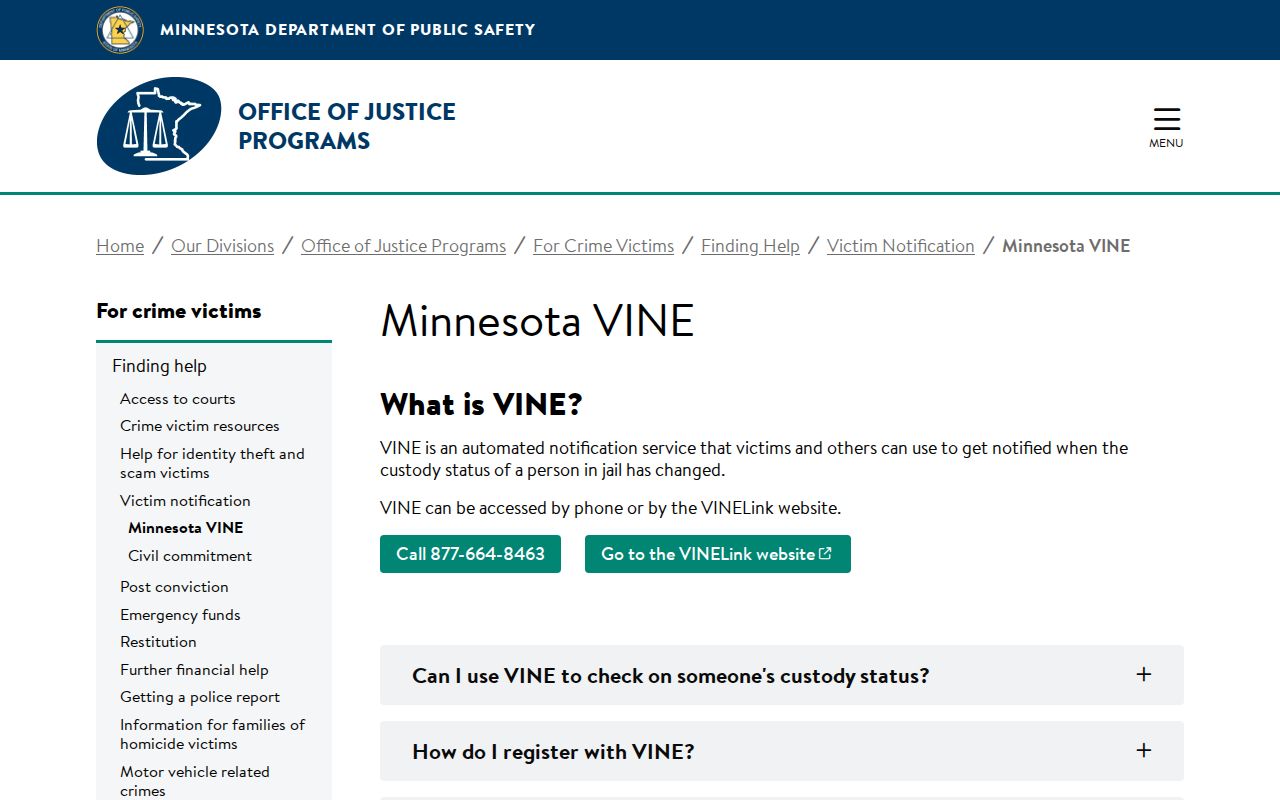
Use this state source first, ahead of any third-party custody-alert product the county has not backed.
Search a Traverse County Arrest
VINELink searches for one person at a time. It will not show a gallery of everyone booked in Traverse County today. Type the best spelling you have, and make sure Minnesota is the state selected. Partial names work too. A broad search can return several people whose names look alike.
- Open the official Minnesota VINE page or the Minnesota person-search route.
- Select Minnesota as the custody system.
- Choose or search for Traverse County or the facility when that option appears.
- Enter the person’s name or identification number; try a partial name if needed.
- Compare facility, custody status, booking details, and facility ID across possible matches.
- Open the correct result before starting an alert registration.
A matching name is only the start. A hit on a Traverse facility can mean a hold or a transfer. It is not an arrest made inside the county. The Traverse County recent-arrests hub shows how Held For details fill in that context. County booking records complete the picture. The Minnesota VINELink person-search screen is the live interface for a lookup.
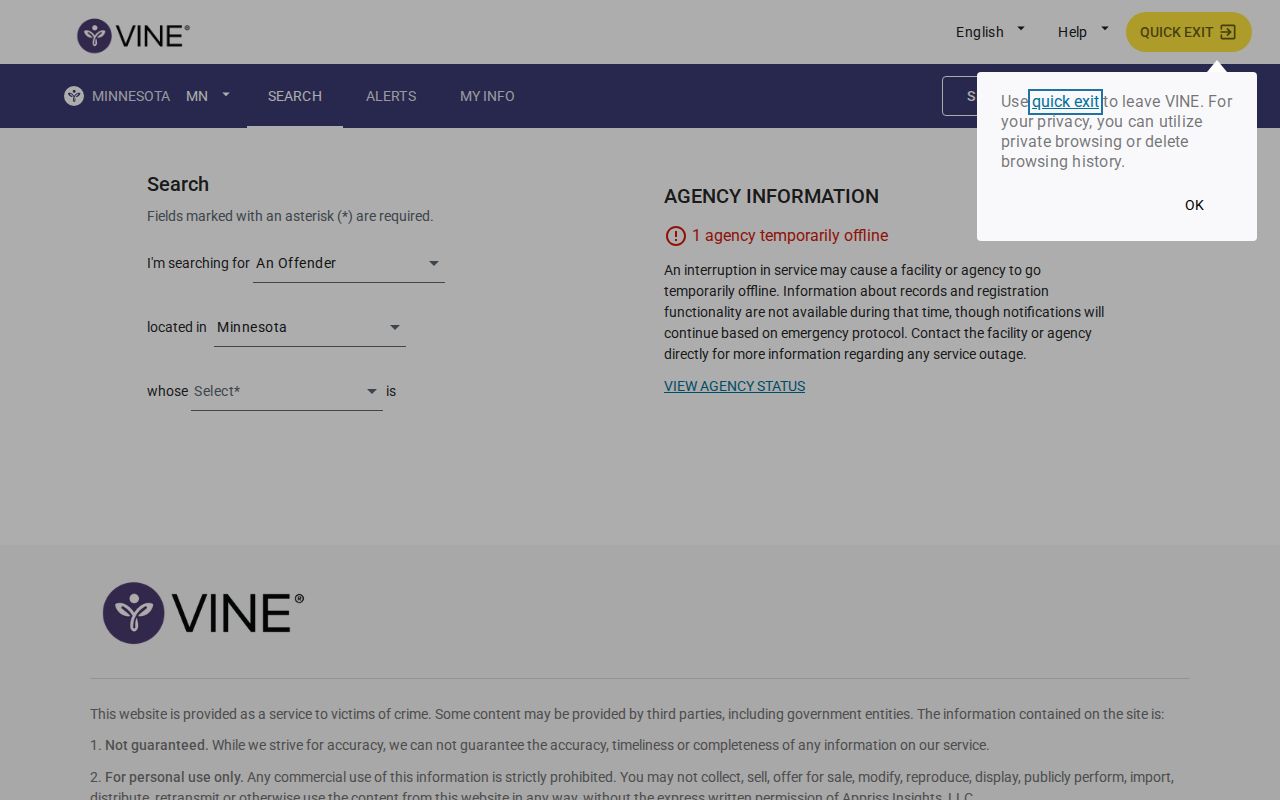
That screen can change without notice, so the state DPS page and the VINELink root link hold up better over time.
Traverse VINELink Result Fields
Traverse County's state fact sheet lists a handful of possible result types. Fields vary, though, and VINELink does not guarantee the same booking details or photos the Traverse County arrest roster shows.
| VINELink item | What it can tell you |
|---|---|
| Name or identification number | The search key used to narrow possible custody records. |
| Current custody status | Whether the connected system reports the person in a custody state at its latest update. |
| Facility name | The jail or connected facility associated with the result. |
| Booking information | Available booking details, including a facility ID when supplied. |
| Scheduled release | A date or release item when the source makes it available; it can change. |
| Custody change | A release, transfer, or other covered status event that may trigger notice. |
Custody data on VINE is not a charging document. For filed charges, the Traverse County court record is the place to look. That record also shows the disposition, the final outcome a court sets.
Register for Traverse Custody Alerts
Pick the right person and facility result first. Then registration can begin. Per the fact sheet, you need no account and no name of your own. Anchor the alert to that specific Traverse County custody record rather than a loose name search.
- Open the matched result and select release or custody-change notification.
- Choose an available channel, such as phone, email, text, or in-app notice.
- Provide the phone number or email address requested for that channel.
- Create or receive the personal identification number, known as a PIN.
- Store the PIN because it controls alert management or cancellation.
- Review the facility and person match before finishing registration.
Once a result turns up, the VINELink registration route is the next step. Phone calls may repeat for routine releases. Text, email, and app notices instead send one message. The fact sheet adds that transfer or death notices can lag, and non-emergency calls follow set windows.
Lose your PIN? Call the VINE Customer First Center at 1-866-277-7477. Treat an alert as a prompt to check the Traverse County record, not a guarantee that every event hits every device at once.
Traverse VINE Update Timing
How fast does VINELink learn about a Traverse County arrest? Minnesota's January 2025 VINE fact sheet gives a general answer. County jails typically push updates every 15 or 30 minutes. That figure describes statewide practice, though. It is not a service promise from Traverse County. The exact way the county's live PDF syncs with VINELink is not documented anywhere public. So a person booked minutes ago may not appear on a first search. A miss can also mean a misspelled name. It could be a release, a transfer, or protected data. Or the wrong state or facility was picked. Some bookings never enter Traverse custody at all. Before concluding there is no record, retry with a partial name. Confirm the facility choice too.
Confirm Traverse County Custody
Start with the official Traverse County roster wrapper when someone may have been arrested there. It links to a live PDF. Open the PDF and note the printed date. Use the viewer's Find tool to search a name, then read the whole entry. Each line can include a front booking photo, age, booking date, and held-for agency. Charges or status, conditional bail, and a sentence-end date may appear where they apply. The roster publishes no set refresh interval. Blank or conflicting results happen. When they do, call the Traverse County Sheriff's jail and non-emergency line at 320-422-7800. The detention center sits at 203 7th Street North in Wheaton. Mail goes to PO Box 826. Staff can confirm present custody or explain how to file a written record request. They may limit what they share by phone. For same-day arrest coverage, Traverse County 24 Hour Arrests is the closest source chain. Note: neither that page nor VINE works as a public mugshot feed.
Custody Systems Beyond VINELink
Minnesota VINE only reaches county jails that plug into it. State prison is a different world entirely. The state's own fact sheet says the service does not cover Department of Corrections facilities. Once someone is sentenced to prison, the Minnesota DOC Public Viewer shows where they are held. HAVEN handles custody notifications through DOC victim services.
Federal custody splits off in its own direction too. A person serving a federal sentence shows up in the Bureau of Prisons locator. They never appear in Minnesota VINE. Immigration detention runs through the ICE locator plus a separate DHS VINELink service. None of those federal tools replaces a Traverse County jail search. A Traverse County booking record also tells you nothing about later moves. Those can lead into state or federal custody.
The sheriff's office publishes no booking app. It runs no SAVIN-branded page or social channel for jail roster updates. Independent apps may scrape public data or link to the PDF roster. The county neither operates nor endorses them. Start with the official county and state paths. Those are the ones kept current by the agencies themselves.
Use Traverse Custody Alerts Safely
Custody status shifts fast in Traverse County. An alert is not a safety plan. It is not a court order, and it cannot promise advance notice of every move. For an emergency, call 911. Non-emergency custody questions go to the sheriff's published phone line. VINE registration works best as one layer. It sits on top of direct planning with law enforcement, victim-service staff, counsel, or the court when those contacts are already in the picture.
Each notification channel has its own weak spot. A phone call can ring out unanswered. A text may lag behind a carrier's queue, and an email can land in spam. Keep your contact details current, and guard the PIN that controls the registration. When real risk is present, build the response around direct safety resources. Do not wait on an automated message.
A release alert never explains the release itself. Bail might be the reason. So could a court order, a completed sentence, or a transfer to another facility. Call the named facility for custody facts. Read the court file for the legal history. If the alert names an outside agency, check there directly. That agency likely holds the latest information on the case.
Manage Traverse VINE Registration
Searching and registering are two separate acts. A search can stay anonymous, with no account created. An alert needs a working delivery channel plus a PIN. Save just enough context to recognize the notice when it arrives, and skip the sensitive extras. The state fact sheet confirms that a registrant's name is not even required.
Custody transfers demand attention too. If a person moves from the Traverse County jail into Minnesota DOC hands, switch to the state prison search and the HAVEN notification route. The county-jail registration will not follow them automatically. Old registrations deserve a cleanup as well. Use the PIN to manage or cancel a notice you no longer need. Lost access goes to the Customer First Center. Remember that a new arrest or admission creates a new custody record, so an old registration will not attach to every later event under the same name.
Public Record Search
Sponsored Results